Absorb review and demo brief
This page is for reviewers, newsletter writers, app-directory editors, and educators who want to evaluate Absorb without overclaiming what the app does.
Recommended positioning
Absorb is best described as a focused iPhone RSVP reader for imported books, documents, websites, articles, scanned pages, and multilingual reading, not as a general ebook store, PDF editor, research database, or medical attention treatment.
What to test
- Import an EPUB, supported text-based PDF, or TXT file and start an RSVP reading session.
- Import a website or article and check how the extracted text reads in RSVP mode.
- Scan a printed page with the camera and test the recognized text at a slower WPM.
- Try books or imported text in more than one supported language.
- Change reading speed and observe how one-word-at-a-time pacing feels at comfortable and faster settings.
- Look for the highlighted optimal recognition point in each displayed word.
- Check reading progress and stats after a session.
- Review the privacy policy if your coverage discusses local-first reading.
What to mention
Useful for
Focused long-form reading, reducing visual scanning, practicing speed reading, reading web articles, scanning pages, and reading imported prose on iPhone.
Not designed for
Editing PDFs, preserving complex document layout during RSVP, managing citations, or replacing clinical attention support.
Privacy angle
Local-first reading, no required Absorb account for core reading, and no advertising SDKs according to the Privacy Policy.
Demo-friendly description
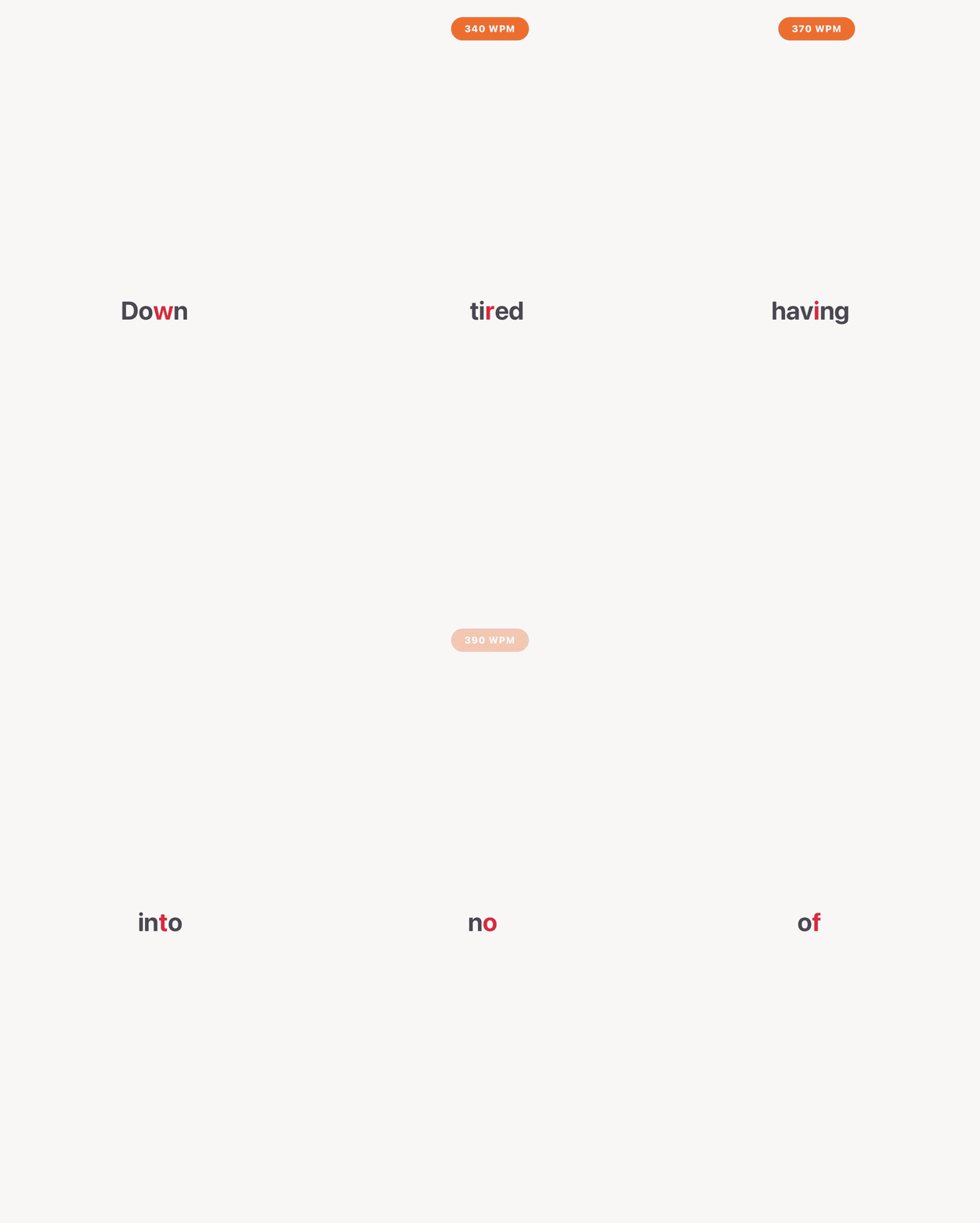
Open Absorb, import a supported file, website, article, or scanned page, then start a reading session. The app presents text one word at a time, highlights a pivot letter, and lets the reader adjust speed so the reading surface stays fixed instead of requiring line-by-line eye movement.
Suggested screenshots or visuals
- App icon: assets/logo.jpeg
- App preview animation: assets/preview.gif
- App Store listing: Read Fast Absorb on the App Store

Suggested anchor text
- Absorb RSVP reader for iPhone
- one-word-at-a-time speed reading app
- local-first EPUB and PDF reader
- website RSVP reader for iPhone
- scan a page into a speed reader
- multilingual RSVP reader
- Absorb speed reading app
Accuracy notes
It is fair to say Absorb may help some readers focus by reducing eye movement and visual scanning. Avoid stating that Absorb guarantees faster comprehension, treats ADHD, perfectly extracts every website or scan, or makes every document suitable for RSVP reading. Speed reading and text extraction results vary by reader, source material, language, and practice.